
Molecular Docking vs Molecular Dynamics: What’s the Difference and Which Should You Learn First?
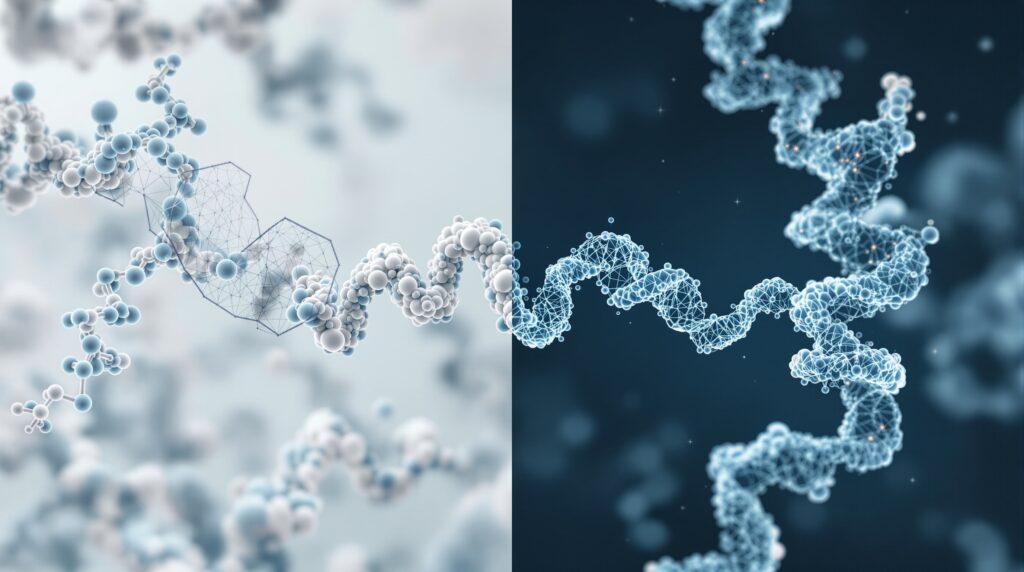
Answer: Molecular docking predicts where and how a small molecule binds a protein, fast, treats the protein as largely static, and practical for screening many candidates. Molecular dynamics (MD) simulates how that complex actually moves over time, capturing flexibility and stability at much higher computational cost. Most students should learn docking first, then MD.
By the StemSkills Lab team, a group with 10+ years in sequence and structural bioinformatics, drug discovery and design, and multiscale molecular modeling. This guide is written for BSc and MSc students in India (and anywhere) choosing where to focus in computational structural biology for research projects and grad-school applications.
If you are building a computational biology skill set, two methods come up again and again: molecular docking and molecular dynamics. They are often mentioned in the same breath, which makes students assume they do the same thing. They do not. Understanding the difference, and the right order to learn them, prevents a lot of wasted setup time. This guide explains each method clearly and concisely.
What is molecular docking?
Molecular docking is a computational method that predicts the preferred orientation, or pose, of one molecule (usually a small-molecule ligand or drug candidate) when it binds to a second molecule (usually a protein target). The software searches many possible poses inside a defined region of the protein and scores each one with a scoring function that estimates binding affinity. The output is a ranked list of poses, so you can see where and how tightly a ligand is predicted to bind.
Docking is essentially a snapshot. It is fast, it usually treats the protein as rigid (or only slightly flexible), and it is the workhorse of structure-based virtual screening, letting you filter thousands of candidate molecules computationally before anyone touches a wet lab. The most widely used free engine is AutoDock Vina (Trott & Olson, 2010), which is open source and runs comfortably on an ordinary laptop with no GPU.
What is molecular dynamics?
Molecular dynamics is a simulation method that models how the atoms in a system move over time. Instead of a single snapshot, MD computes the forces on every atom using a physics-based force field, then steps the system forward in tiny time increments (typically femtoseconds), millions of times, to produce a movie of the molecule in motion, usually surrounded by explicit water and ions.
This lets you study things docking cannot: how stable a predicted binding pose really is, how a protein flexes and breathes, how a ligand stays in (or escapes) its pocket, and how the whole system behaves at a realistic temperature. MD is far more computationally demanding, serious simulations usually want a GPU, and the standard free, open-source package is GROMACS (Abraham et al., 2015). As the GROMACS authors describe it, it “is one of the most widely used open-source and free software codes in chemistry, used primarily for dynamical simulations of biomolecules.”
What are the key differences between docking and MD?
The simplest way to think about it: docking answers “will this molecule fit, and roughly how well?” while MD answers “what does this system actually do over time?” Docking gives you a static, ranked guess in seconds to minutes. MD gives you a time-resolved trajectory, physically more complete, but slower and harder to set up correctly.
The other big difference is how each treats flexibility. Classic docking largely freezes the protein to keep the search fast. MD lets every atom move, so it naturally captures induced fit, conformational change, and the role of water, at the cost of orders of magnitude more compute. They are complementary, not competing.
Want the guided, hands-on version?
Our live Molecular Modeling & MD Simulations cohort bootcamp teaches docking and MD hands-on, with a portfolio project for your grad-school applications.
Molecular docking vs molecular dynamics: side-by-side comparison
| Molecular docking | Molecular dynamics (MD) | |
|---|---|---|
| Question answered | Where and how does a ligand bind, and roughly how strongly? | How does the system move, flex, and stay stable over time? |
| Speed | Fast, seconds to minutes per ligand | Slow, hours to days (or longer) per simulation |
| What you need | An ordinary laptop; no GPU required | A GPU strongly recommended for realistic timescales |
| Flexibility handled | Protein usually rigid (or limited flexibility) | Every atom moves; full flexibility and solvent |
| Typical use | Virtual screening; ranking many candidates | Validating poses; studying stability and mechanism |
| Output | Ranked poses with predicted affinity scores | A trajectory (movie) + metrics like RMSD, RMSF, energies |
| Standard free tool | AutoDock Vina | GROMACS |
When should you use docking vs MD?
Use docking when you need breadth and speed: you have a library of candidate molecules and want to rank them, find a plausible binding pose for a known inhibitor, or do exploratory virtual screening for a project. It is the right tool when the question is “which of these is worth a closer look?”
Use MD when you need depth on a small number of systems: confirming that a docked pose is actually stable, measuring how a protein loop opens and closes, estimating more rigorous binding free energies, or understanding a mechanism. MD is the right tool when the question is “does this really hold up, and why?”
Which should you learn first?
For almost every student, the answer is docking first. It has a gentler learning curve, runs on the laptop you already own, gives you a complete result the same day, and teaches the foundational concepts, binding sites, poses, scoring, and how to read a protein structure, that you will lean on in MD anyway. A complete, well-documented docking result is achievable within the first few weeks.
MD is the natural second step. It is more demanding to set up (force fields, solvation, equilibration, troubleshooting) and benefits from hardware most beginners do not have at home. Coming to MD after docking means you already understand the structures you are simulating, so you spend your energy learning the simulation rather than the biology. If you want the full sequence laid out, see our computational biology skills roadmap.
Can you combine docking and molecular dynamics?
Yes, and in real research, you usually do. The most common workflow is to dock first, then run MD on the best poses. Docking quickly narrows thousands of candidates down to a handful of promising hits; MD then stress-tests those hits to see which poses stay put and which fall apart once the protein and water are allowed to move. This docking-then-MD pipeline is a staple of modern structure-based drug discovery, and running it end to end demonstrates the kind of practical computational biology skill that grad-school applications benefit from.
The two methods cover each other’s weaknesses: docking is fast but approximate; MD is rigorous but slow. Used together, you get the breadth of a screen and the confidence of a simulation.
Want the guided, hands-on version?
Our live Molecular Modeling & MD Simulations cohort bootcamp teaches docking and MD hands-on, with a portfolio project for your grad-school applications.
The tools, and why they are credible
Both standard tools are free, open source, and heavily cited, so your project work will hold up to scrutiny. AutoDock Vina was introduced by Oleg Trott and Arthur J. Olson at The Scripps Research Institute. Their paper reports that Vina “achieves an approximately two orders of magnitude speed-up compared to… AutoDock 4, while also significantly improving the accuracy of the binding mode predictions.” In their benchmark, Vina reached an 80% success rate at correctly predicting the binding pose, versus 53% for AutoDock 4, a concrete reminder that newer methods can be both faster and more accurate. (Trott & Olson, Journal of Computational Chemistry, 2010.)
For MD, GROMACS is described by its developers (Abraham et al., SoftwareX, 2015) and is engineered to scale “from laptops to supercomputers,” which is why it remains the default free choice for student and research simulations alike. Structures for both methods come from the RCSB Protein Data Bank, which holds over 254,000 experimentally determined structures, a large, freely accessible resource.
Primary sources
- Trott, O. & Olson, A. J. (2010). AutoDock Vina: improving the speed and accuracy of docking with a new scoring function, efficient optimization, and multithreading. Journal of Computational Chemistry, 31(2), 455 to 461. doi:10.1002/jcc.21334 (free full text)
- Abraham, M. J., Murtola, T., Schulz, R., Páll, S., Smith, J. C., Hess, B. & Lindahl, E. (2015). GROMACS: High performance molecular simulations through multi-level parallelism from laptops to supercomputers. SoftwareX, 1 to 2, 19 to 25. doi:10.1016/j.softx.2015.06.001
Frequently asked questions
Is molecular docking easier than molecular dynamics?
Yes, for beginners. Docking has fewer setup steps, runs on a normal laptop without a GPU, and returns a complete result the same day. MD requires you to choose force fields, add solvent, equilibrate the system, and troubleshoot longer runs, so it is usually best tackled after you are comfortable with docking.
Do I need a GPU to get started?
Not for docking. AutoDock Vina runs fine on an ordinary CPU laptop, which is why it is the recommended entry point. For molecular dynamics in GROMACS, a GPU is strongly recommended to reach realistic timescales, though short teaching-scale simulations can run on a CPU.
Can docking replace molecular dynamics?
No, they answer different questions. Docking predicts a likely binding pose quickly but treats the system as mostly static and approximates affinity. MD tests whether that pose is stable and reveals motion and mechanism. For rigorous work you typically use docking to shortlist candidates and MD to validate them.
Which one looks better on a grad-school application?
A combined docking-then-MD project is the strongest signal, because it shows you can run a realistic structure-based workflow end to end. If you only have time for one, a clean, well-documented docking project on a real target is more than enough to demonstrate genuine computational biology skill.